Before the whistle
Prepare the match
Load the correct rules and make sure both teams are on the screen before warmups end.
Rules
Load the NFHS rule set
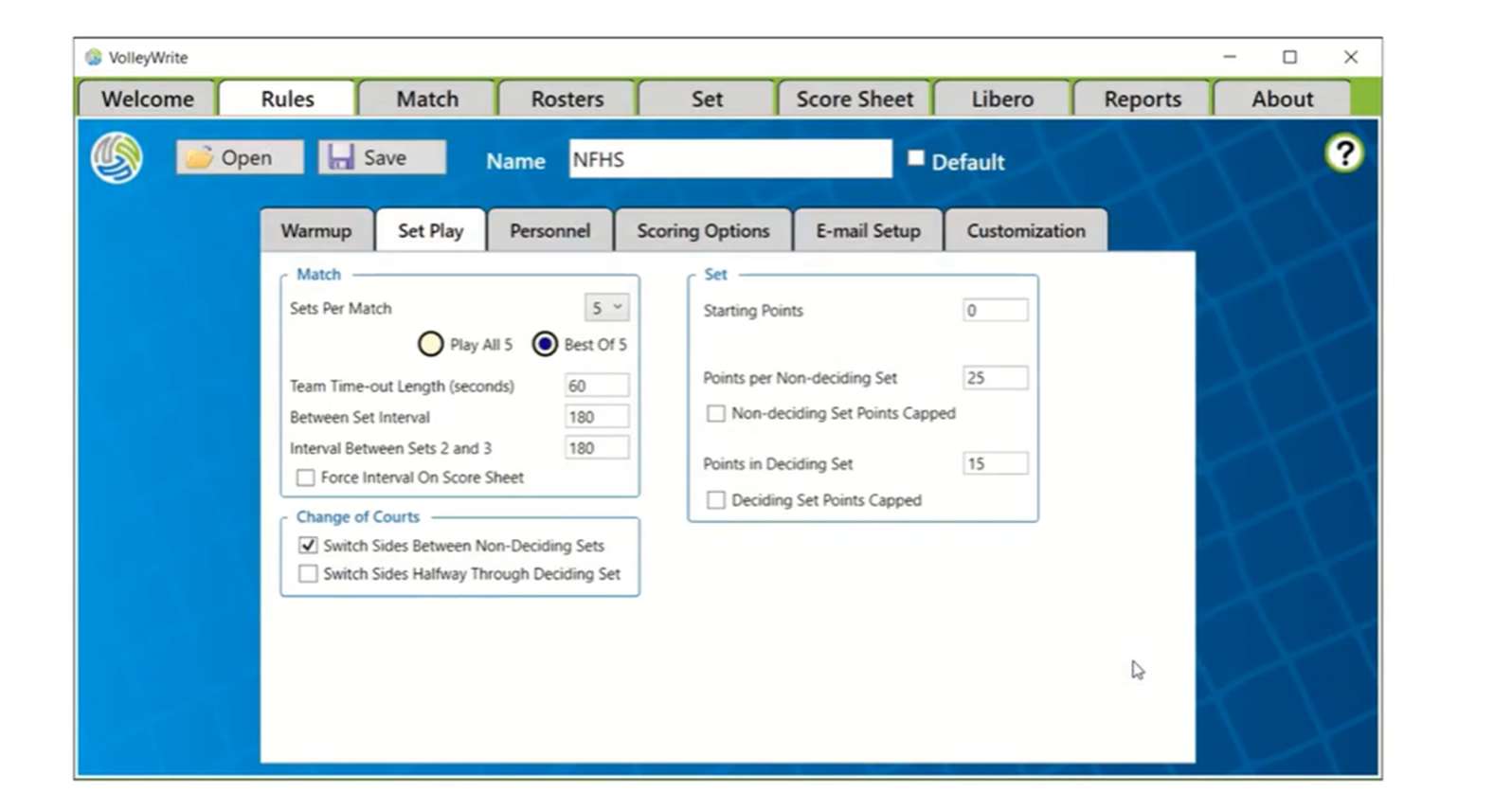
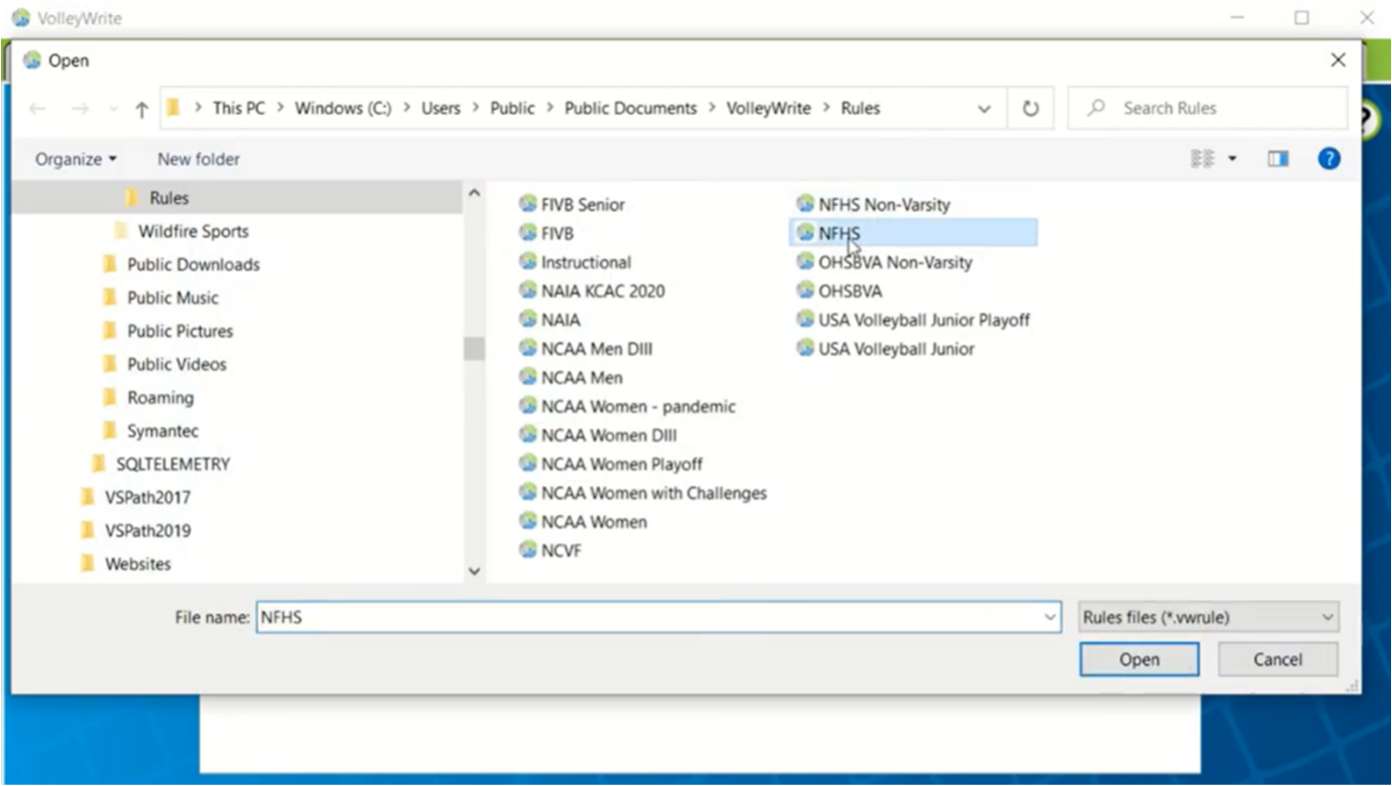
Open the Rules tab, choose Open, and select NFHS from the VolleyWrite rules folder.
Rosters
Enter both rosters
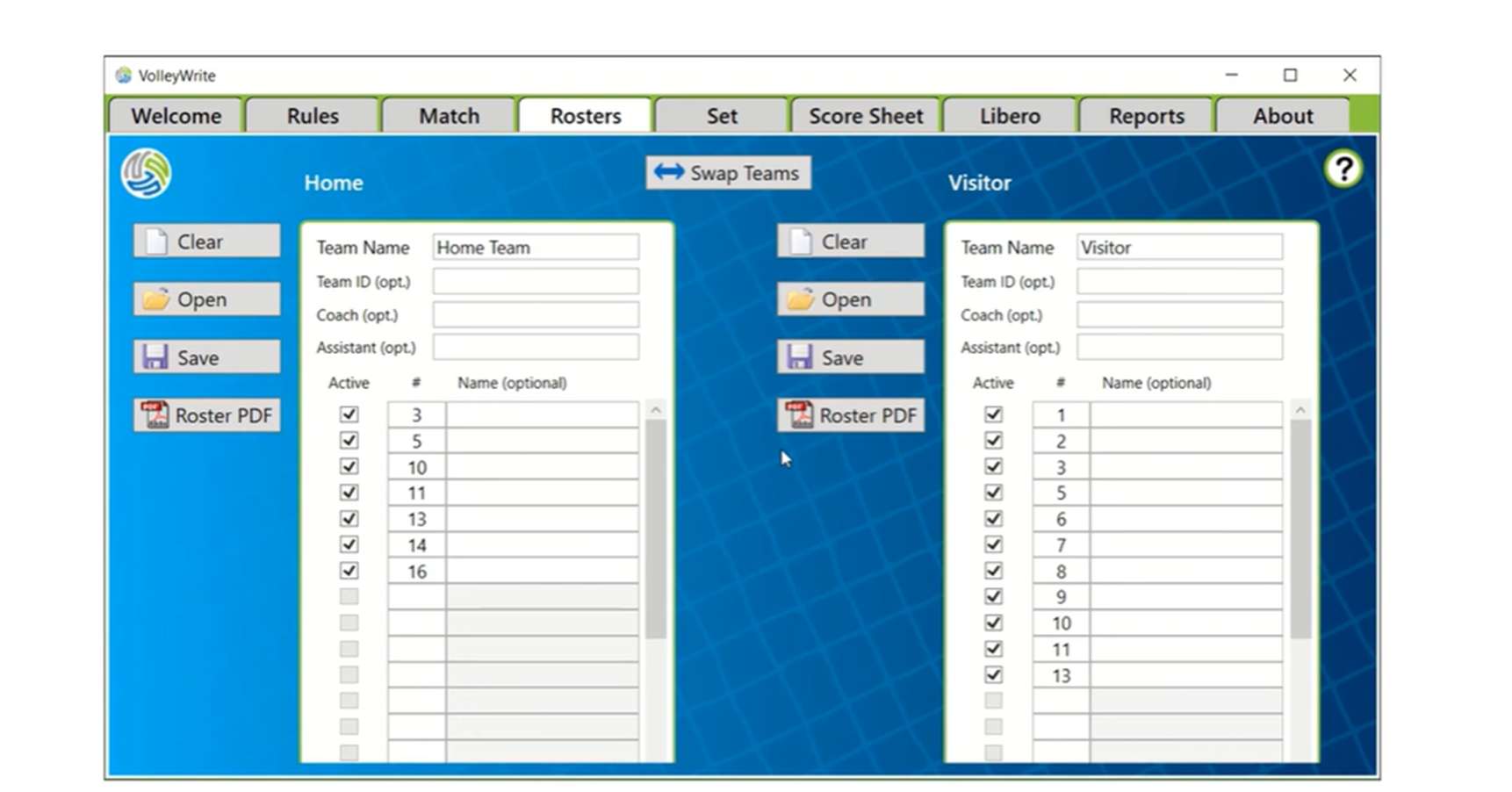
Go to Rosters and enter every player number. Double-check which roster is Home and which is Visitor before moving on.
At the coin toss
Build the lineup
Start the set, place each team correctly, and enter the lineup exactly as submitted.
Set
Start the set
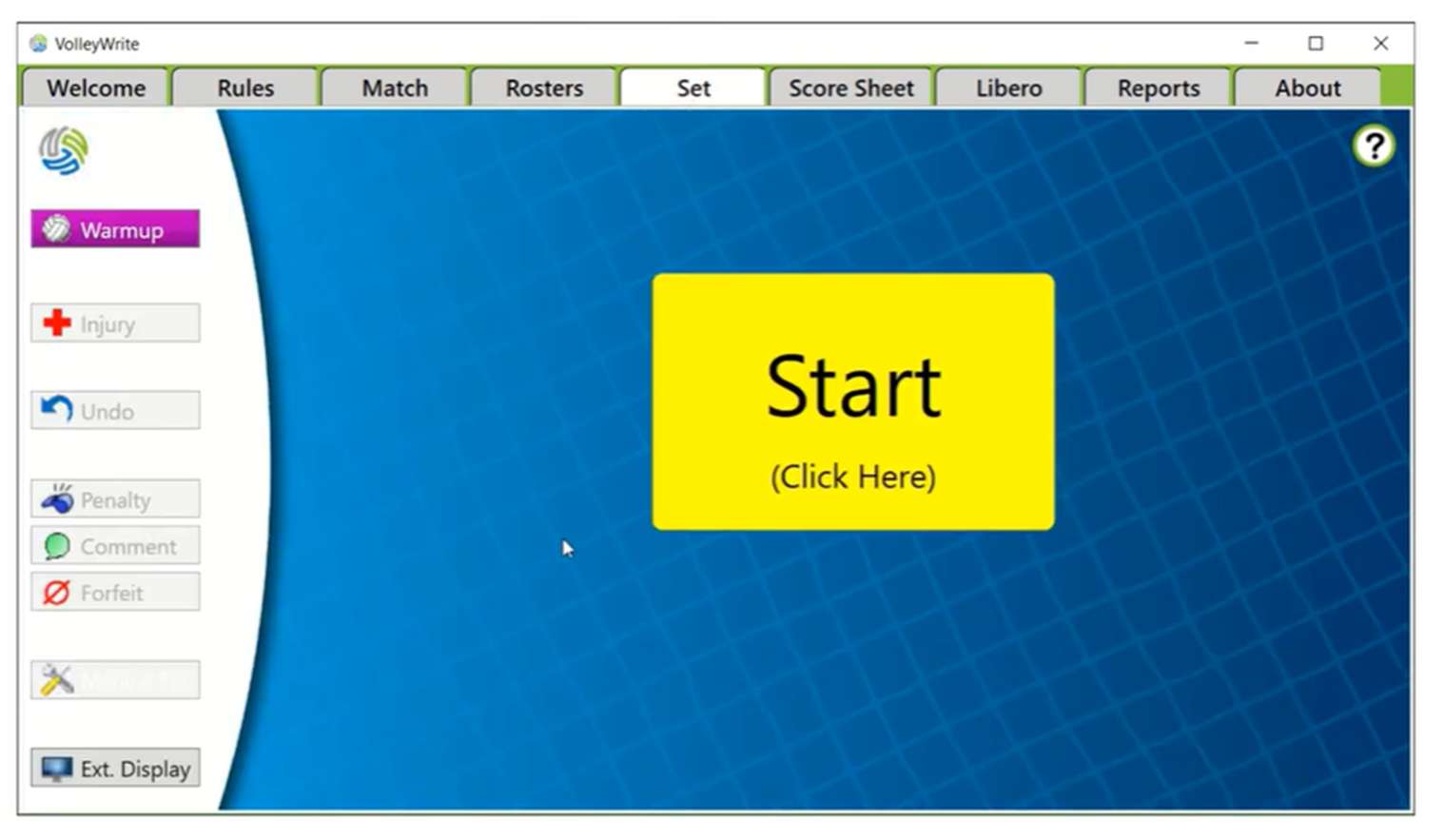
Open the Set tab and press the large yellow Start button.
Coin toss
Assign first serve
Tap the team serving first. Make sure the teams appear on the same sides as they do on the court; use Chg Courts if they do not.
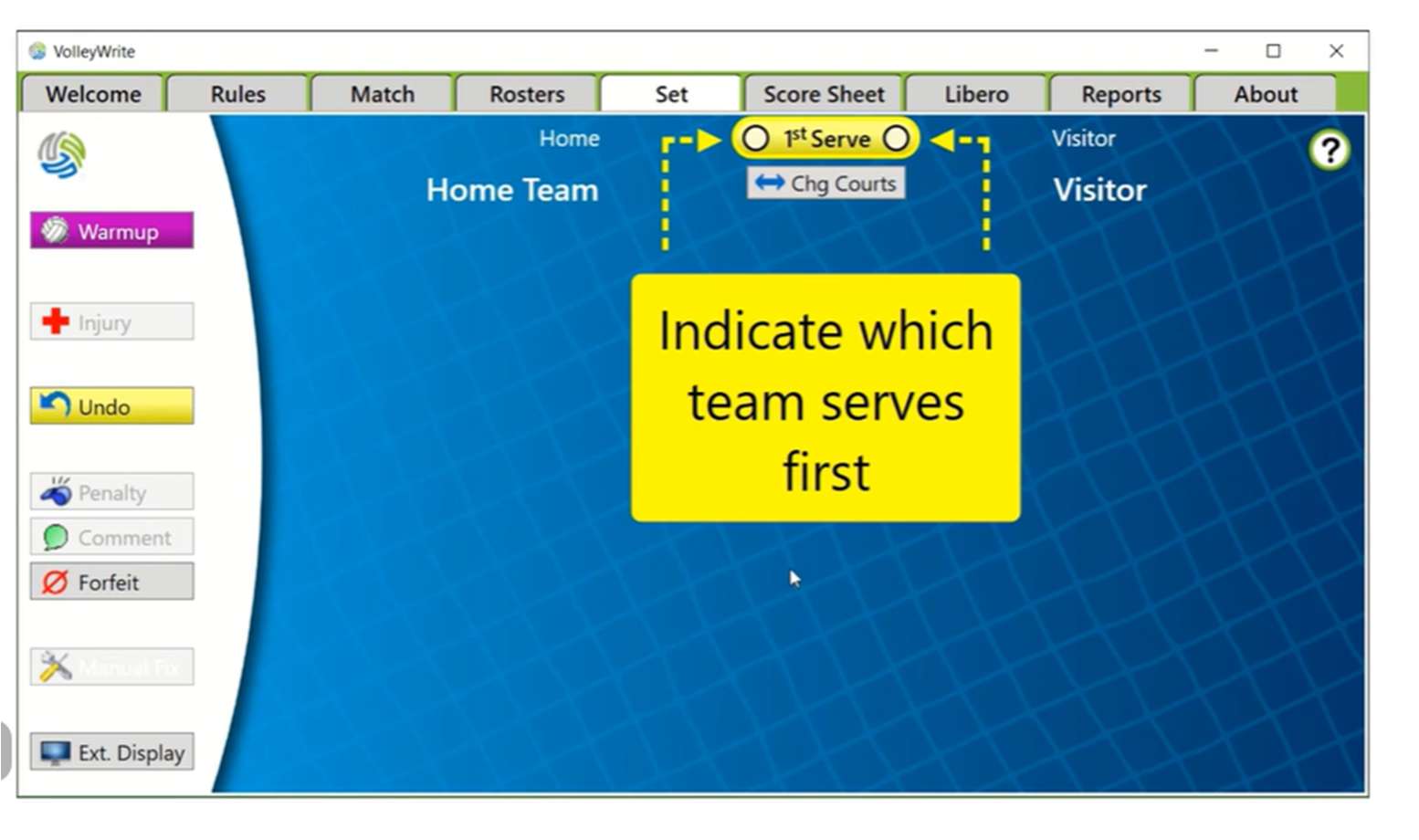
Lineup card
Enter players I–VI
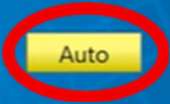
When coaches submit their lineups, press Auto, then tap roster numbers in position order I through VI. If #10 is third on the card, it should be your third tap.
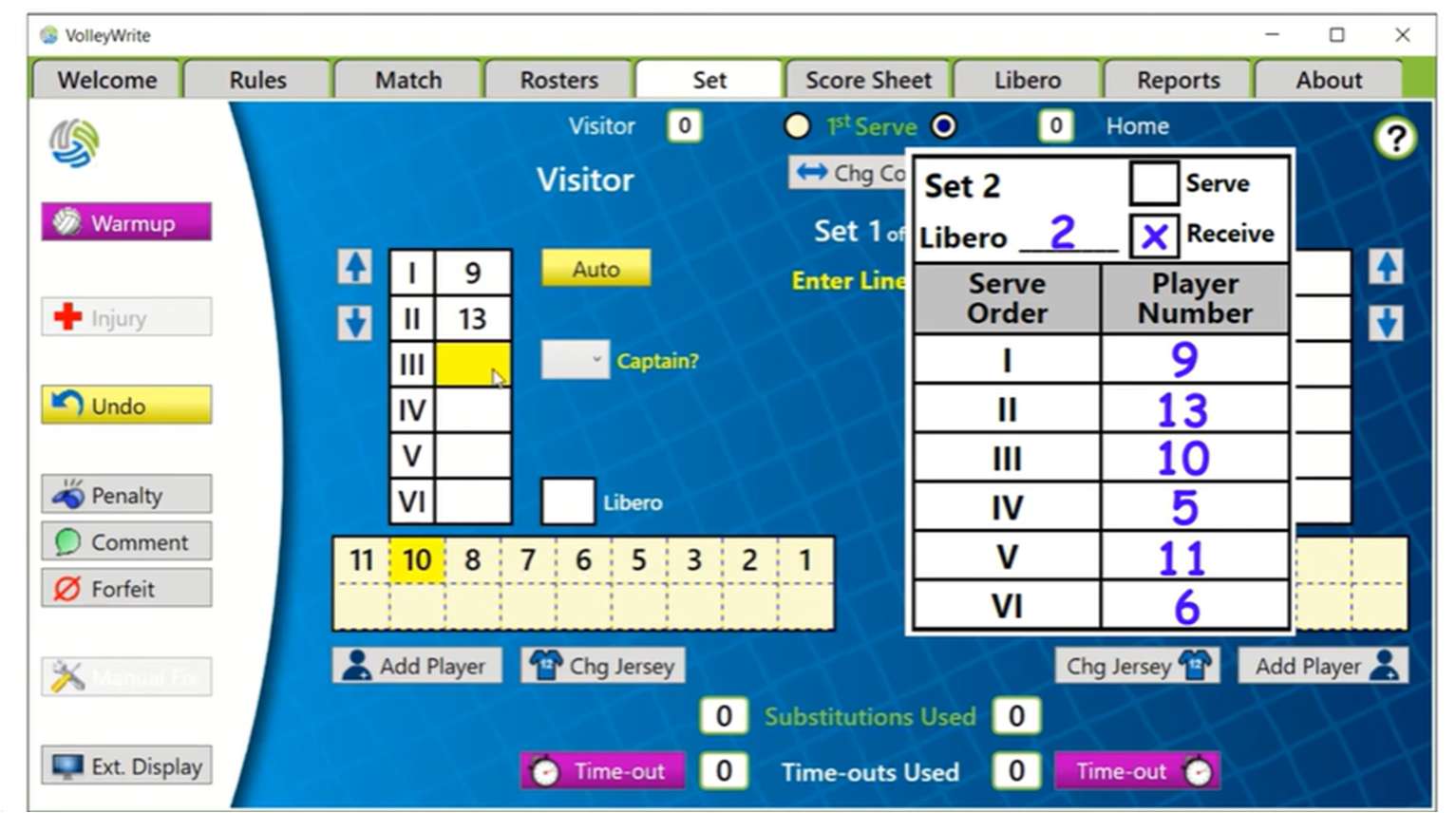
Personnel
Add libero and captains
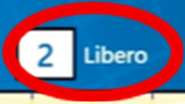
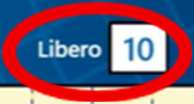
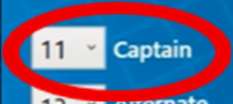
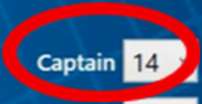
Enter the libero number, then select the captain and alternate captain when available. Review both sides and press Accept.
- Six players in rotation order
- Libero number entered
- Captain selected
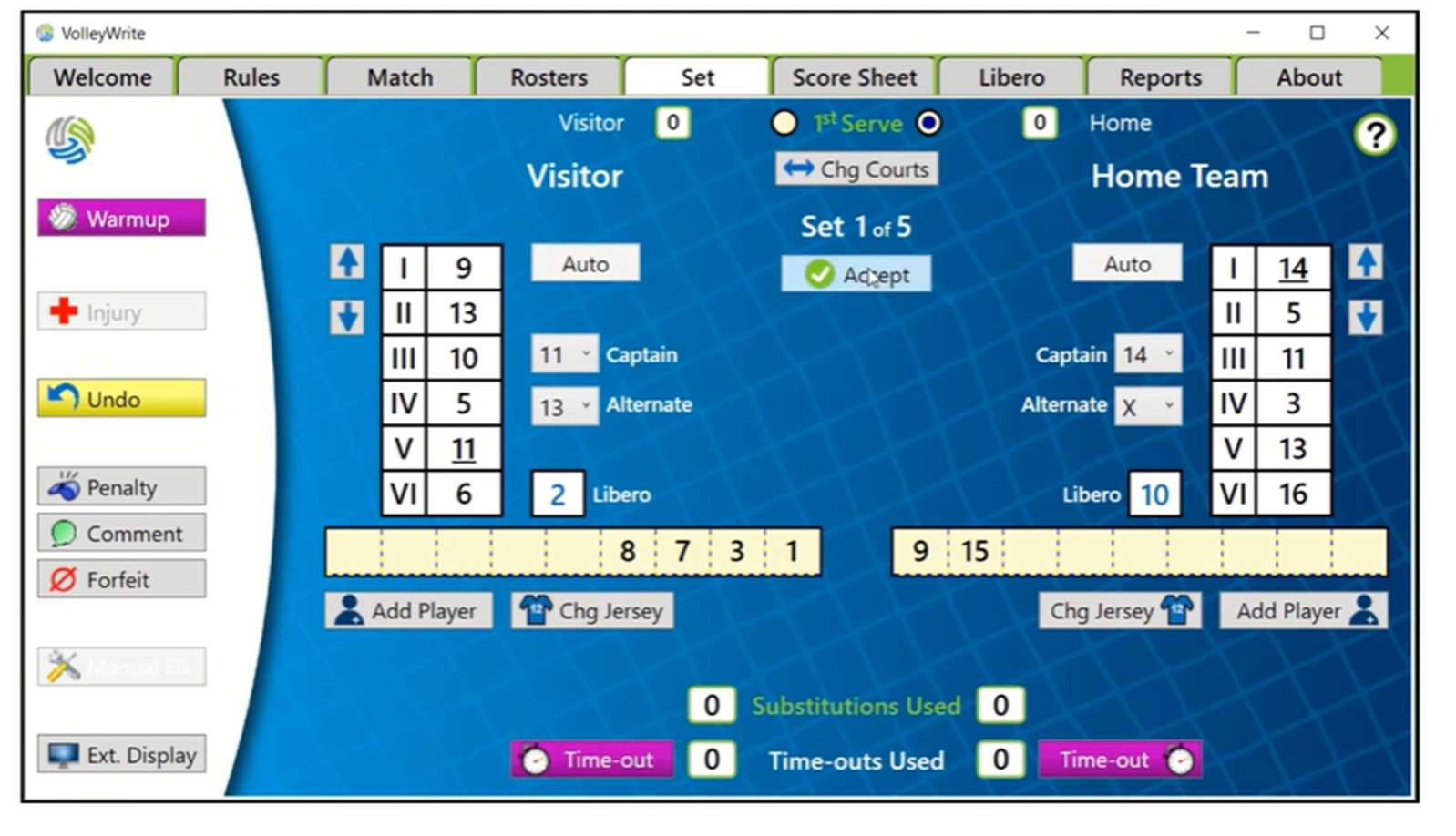
Before first serve
Check the libero swap
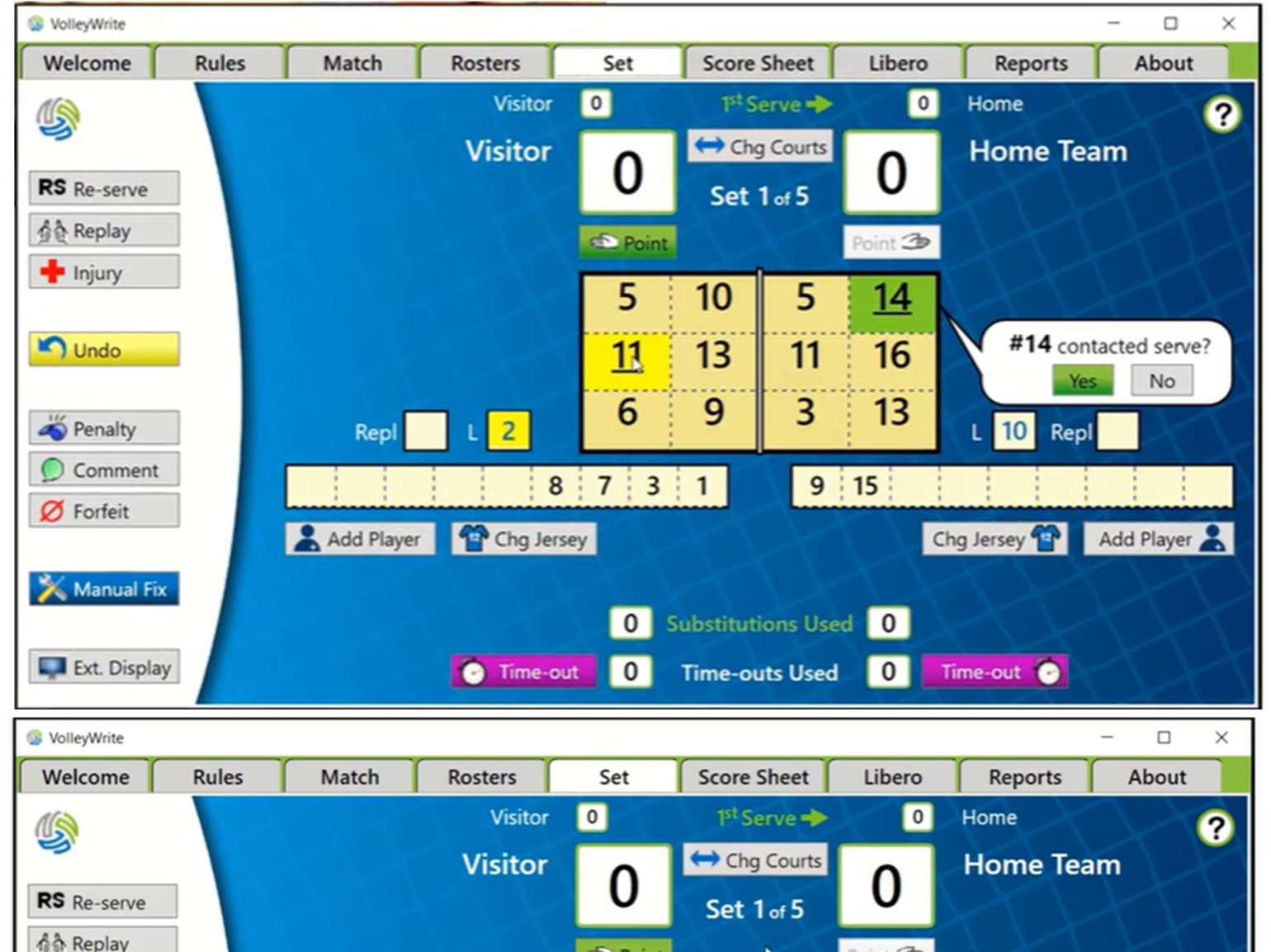
Watch whether either libero replaces a starter. If so, tap the L box and then the number of the player being replaced.
First whistle
Confirm first contact
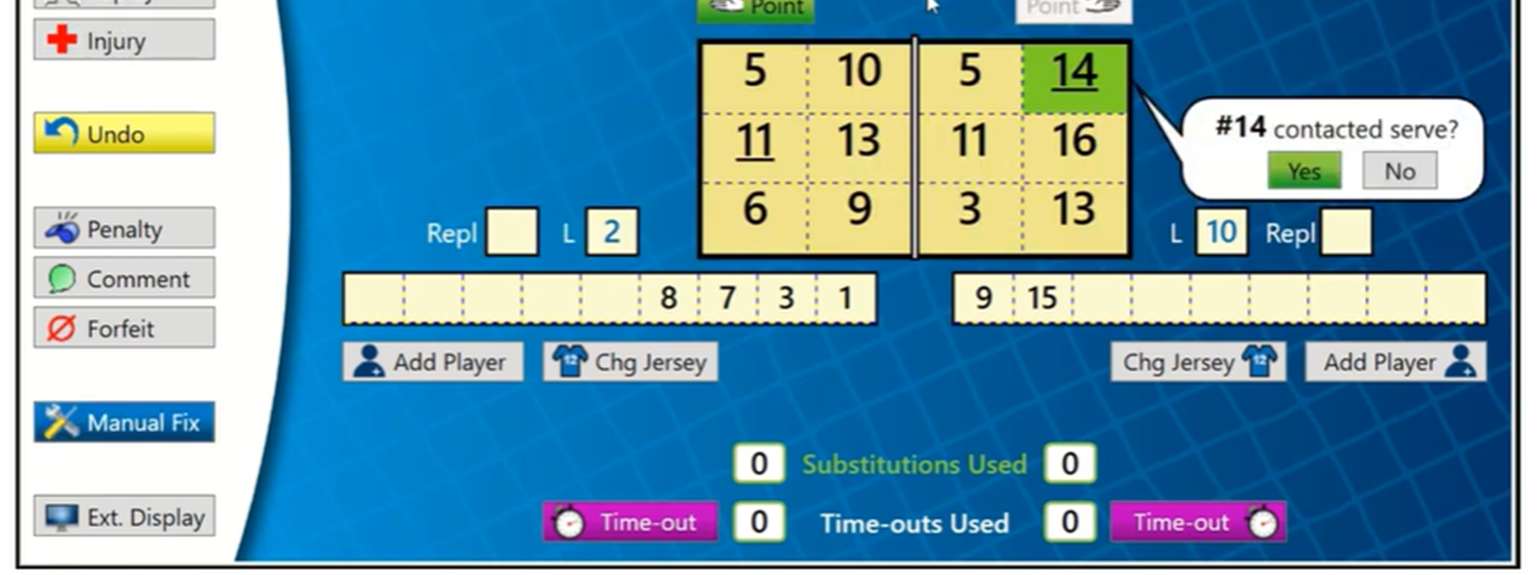
After the server contacts the ball, answer Yes on the contact pop-up. The set is now live.
During play
Score every rally
Keep the score current, then slow down just enough for rotations, liberos, and substitutions.
Every rally
Record each point
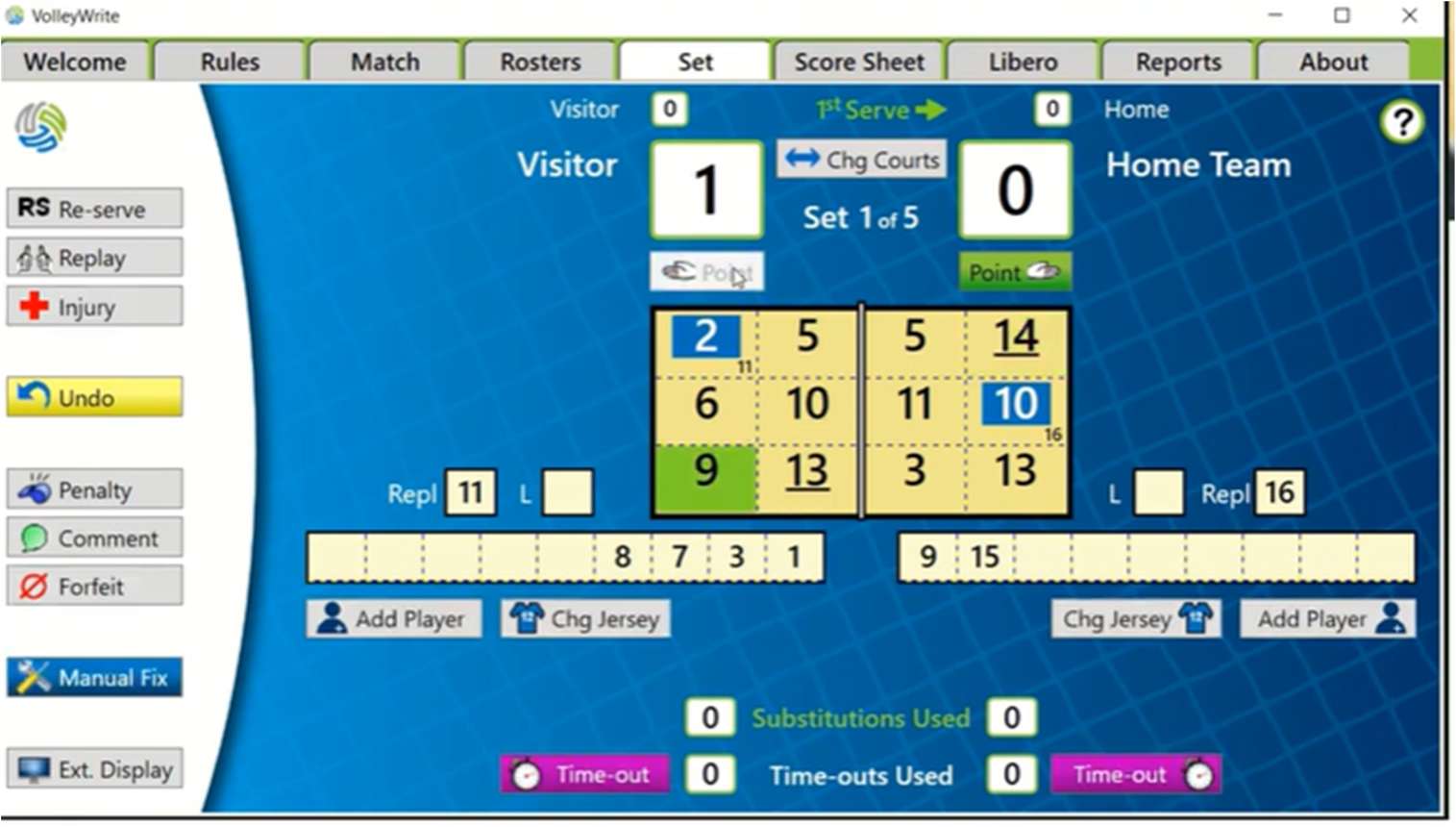
As soon as a point is awarded, tap the winning team’s Point button.
Side-out
Watch the rotation
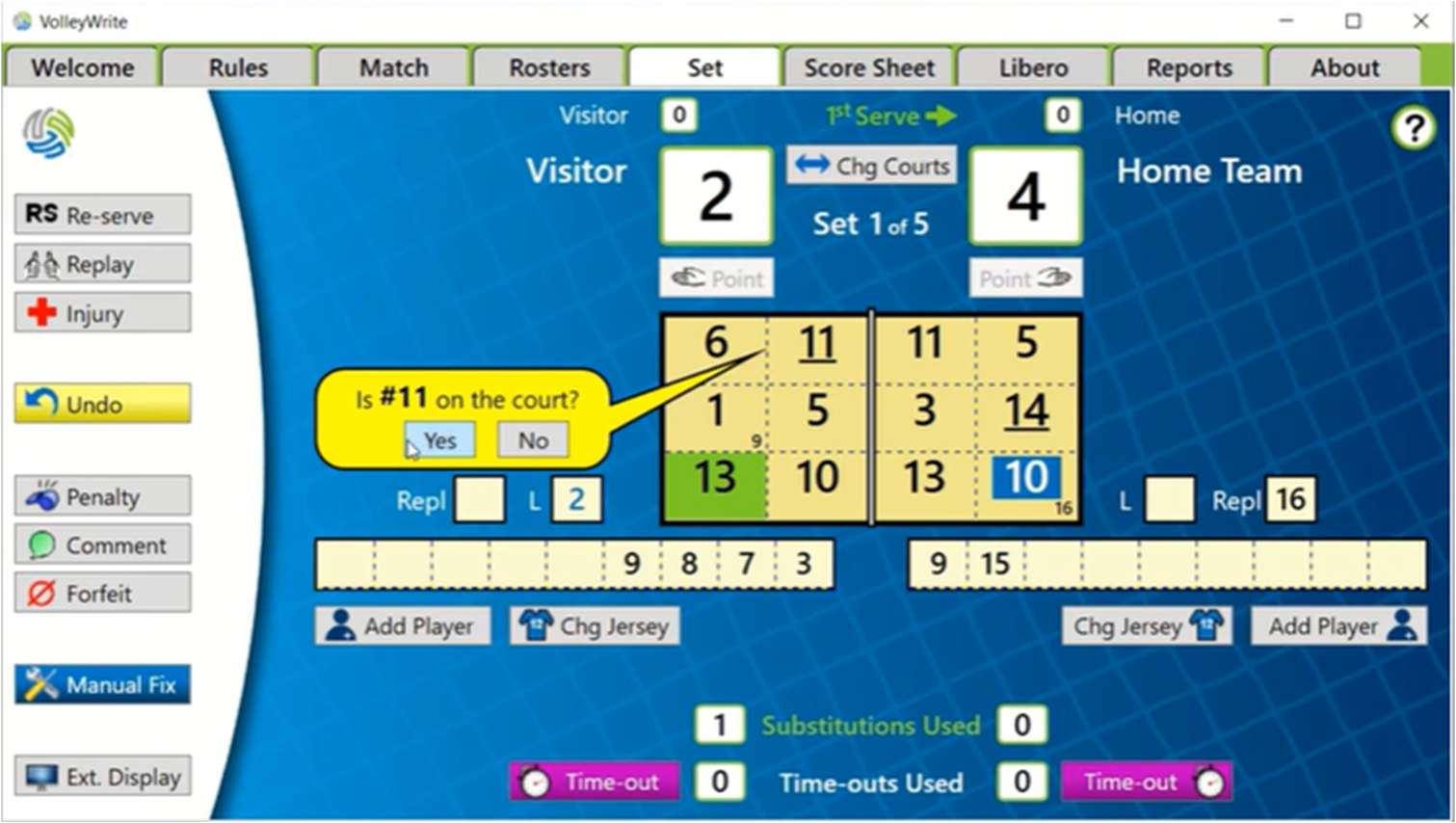
When a team earns serve and rotates, watch for libero changes. If VolleyWrite asks whether a player is on the court, answer the prompt. With no prompt, tap the substitute’s number and then the libero’s.
Blue = libero. Their exchanges may happen without the pause used for regular subs.
Dead ball
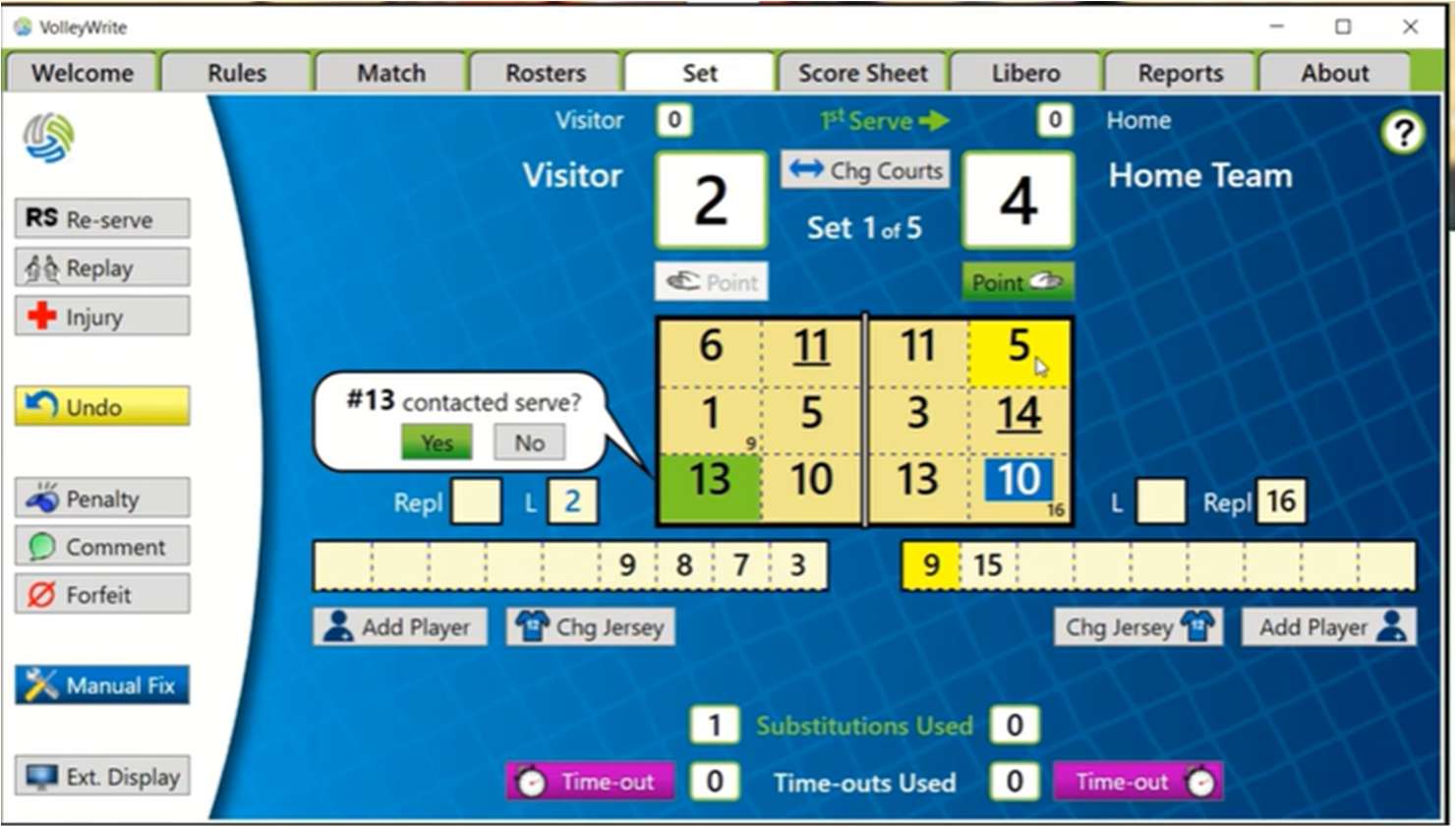
Record substitutions
Tap the incoming player’s number, then the player leaving the court. For example: tap 9, then 5, when #9 enters for #5.
Between rallies
Manage timeouts
Start the clock for the correct team, end it cleanly, and use Undo when the table needs a reset.
Team timeout
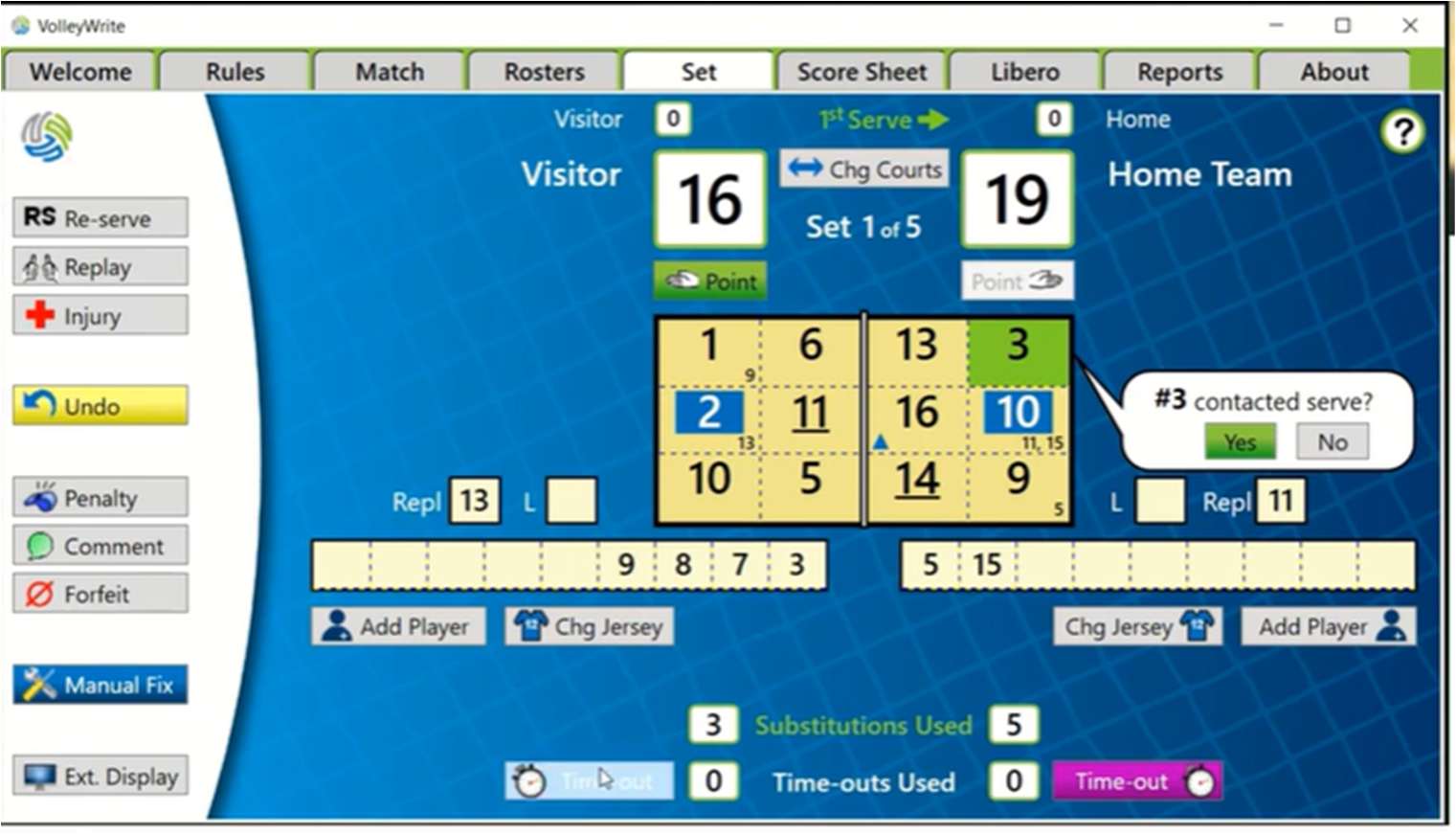
Start the team’s clock
Tap Time-out on the side of the team that called it. A one-minute countdown appears.
At the horn
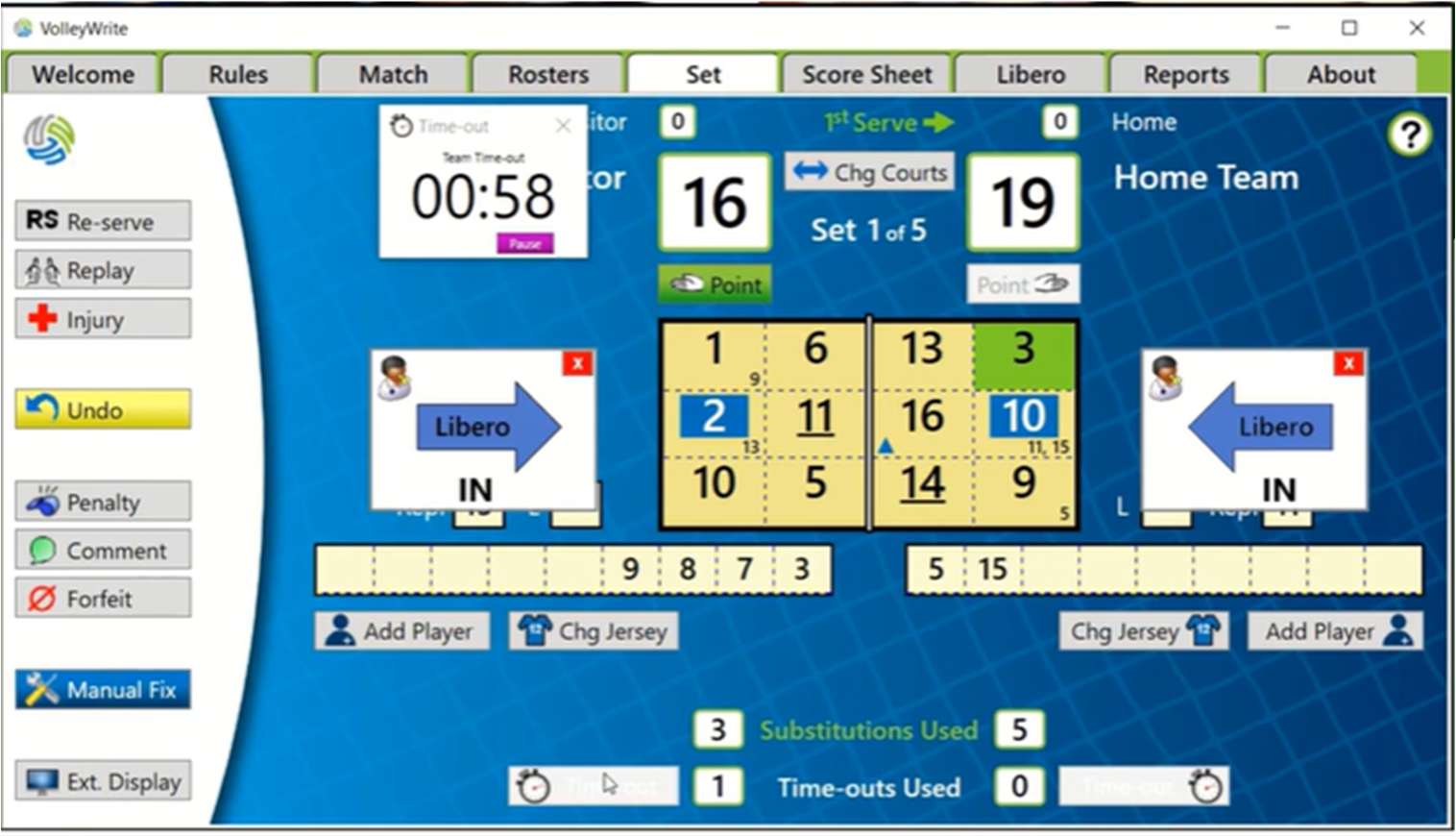
End the timeout
At the end of the timeout, tap Done in the countdown area to return to play.
Any time
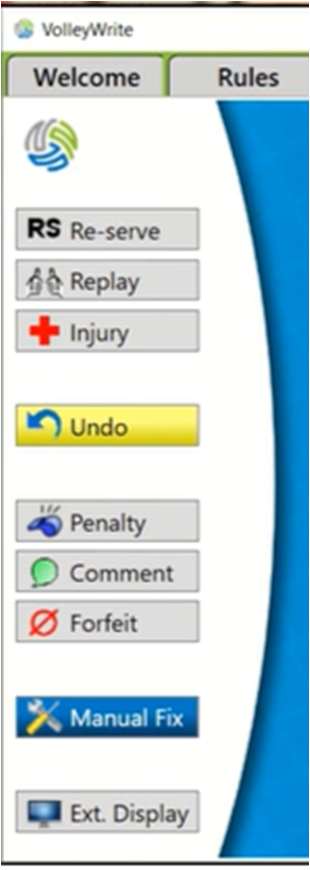
Undo a mistake
Entered the wrong action? Use Undo, check the court, and enter it again.
One-screen recap
The courtside sequence
When things get noisy, return to this order.
- 01Rules + rostersNFHS loaded · Home and Visitor checked
- 02Start + first serveCourt sides match · serving team selected
- 03Lineup I–VILibero and captain entered · Accept
- 04Point + rotationWatch libero prompts and substitutions
- 05Timeout + UndoChoose the correct team · correct errors calmly